
Follow these nine simple steps to complete a guided property inspection from start to finish.
1
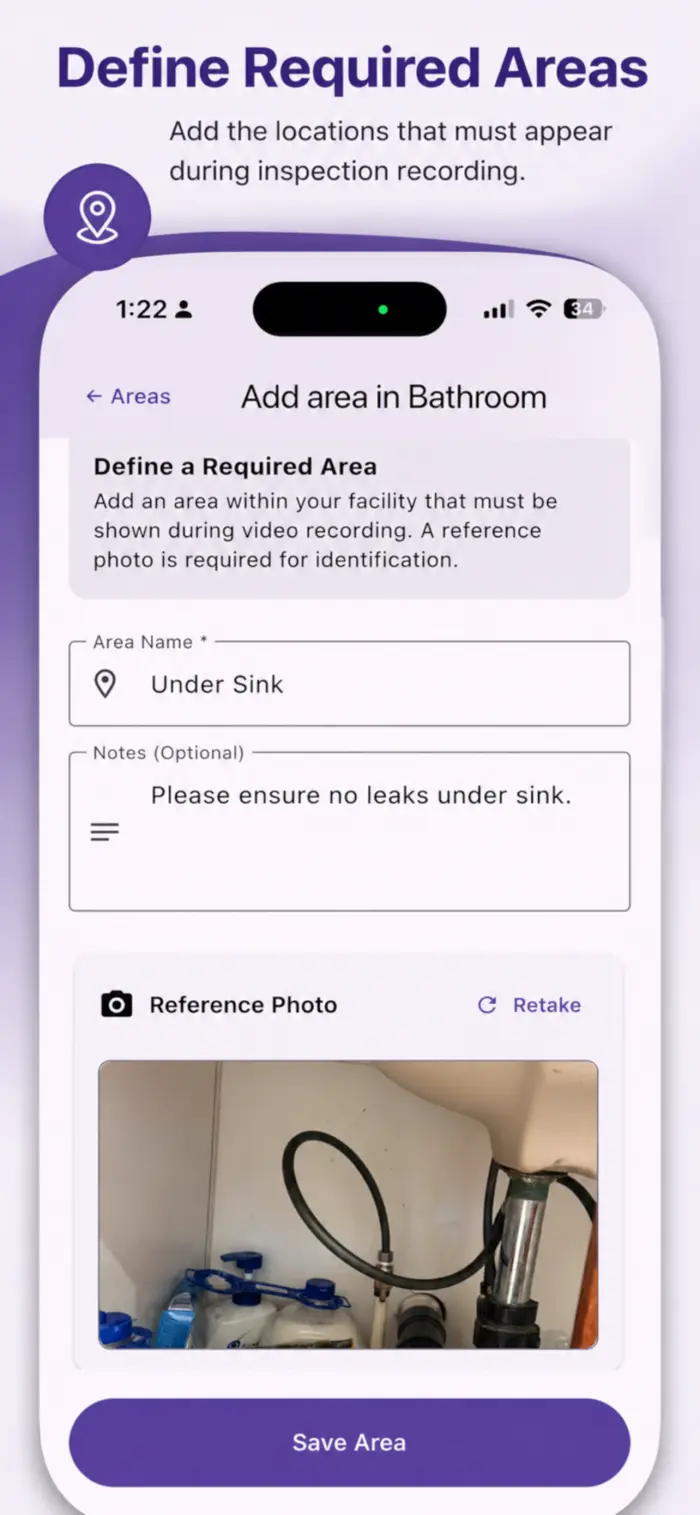
Enroll Your Property
Add your property details and define the areas you want inspected.
2
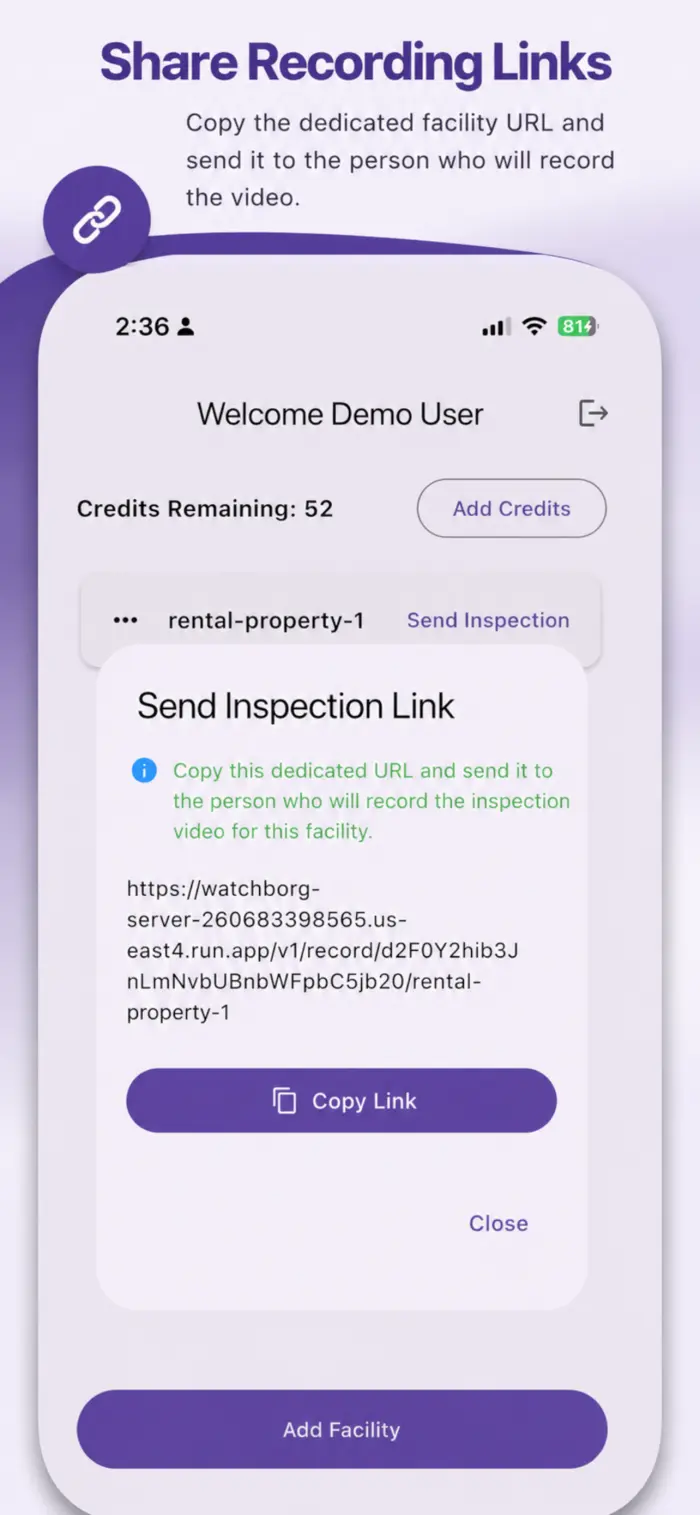
Send Inspection Link
Share a secure recording link with your inspector via email or messaging.
3
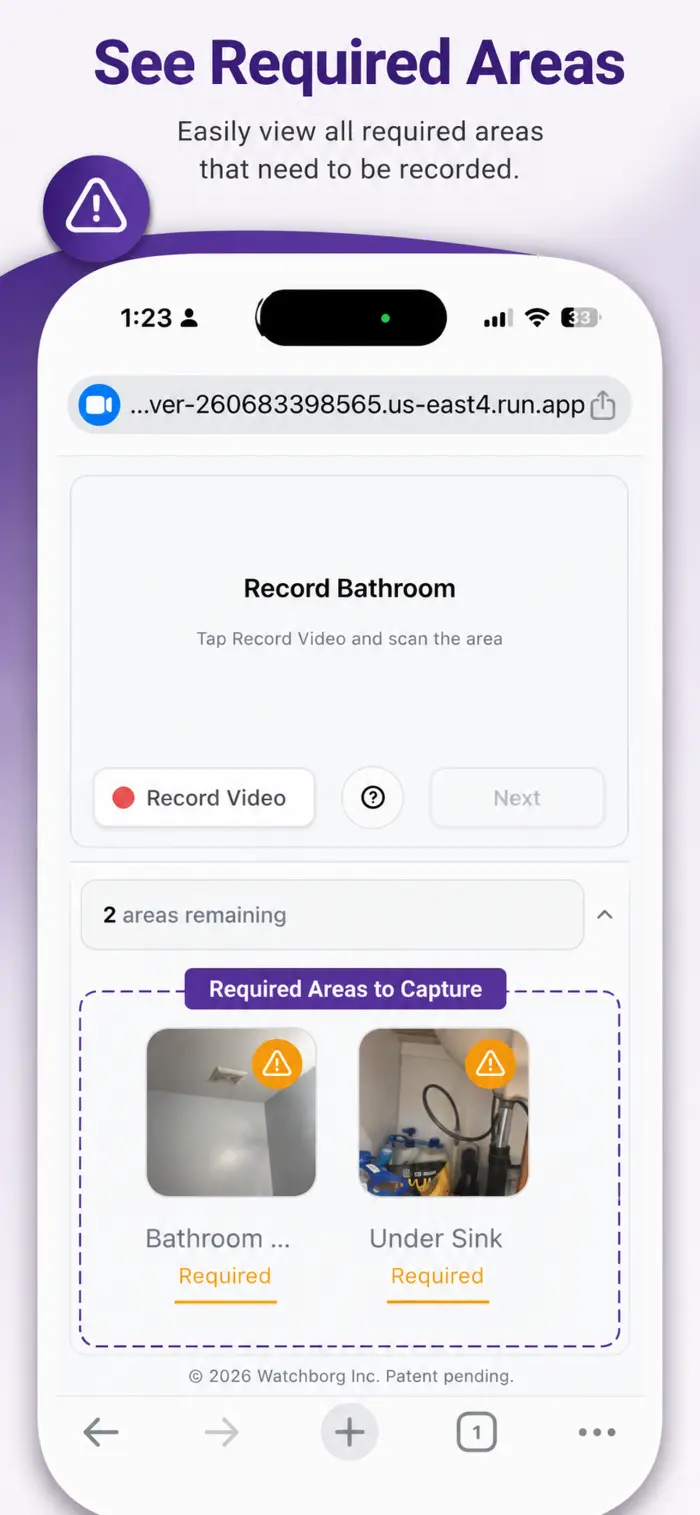
Guided Video Recording
The inspector opens the link in their browser to begin the guided walkthrough.
4
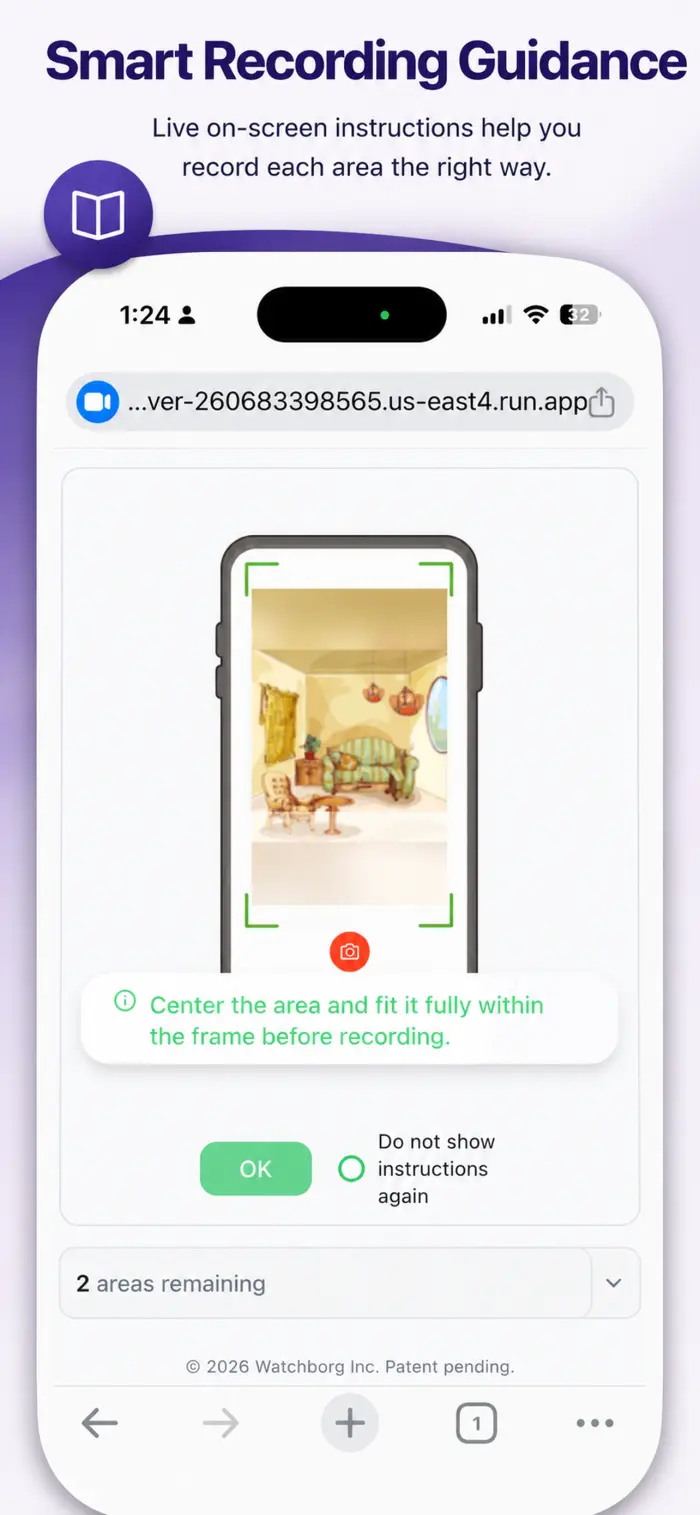
User Guidance
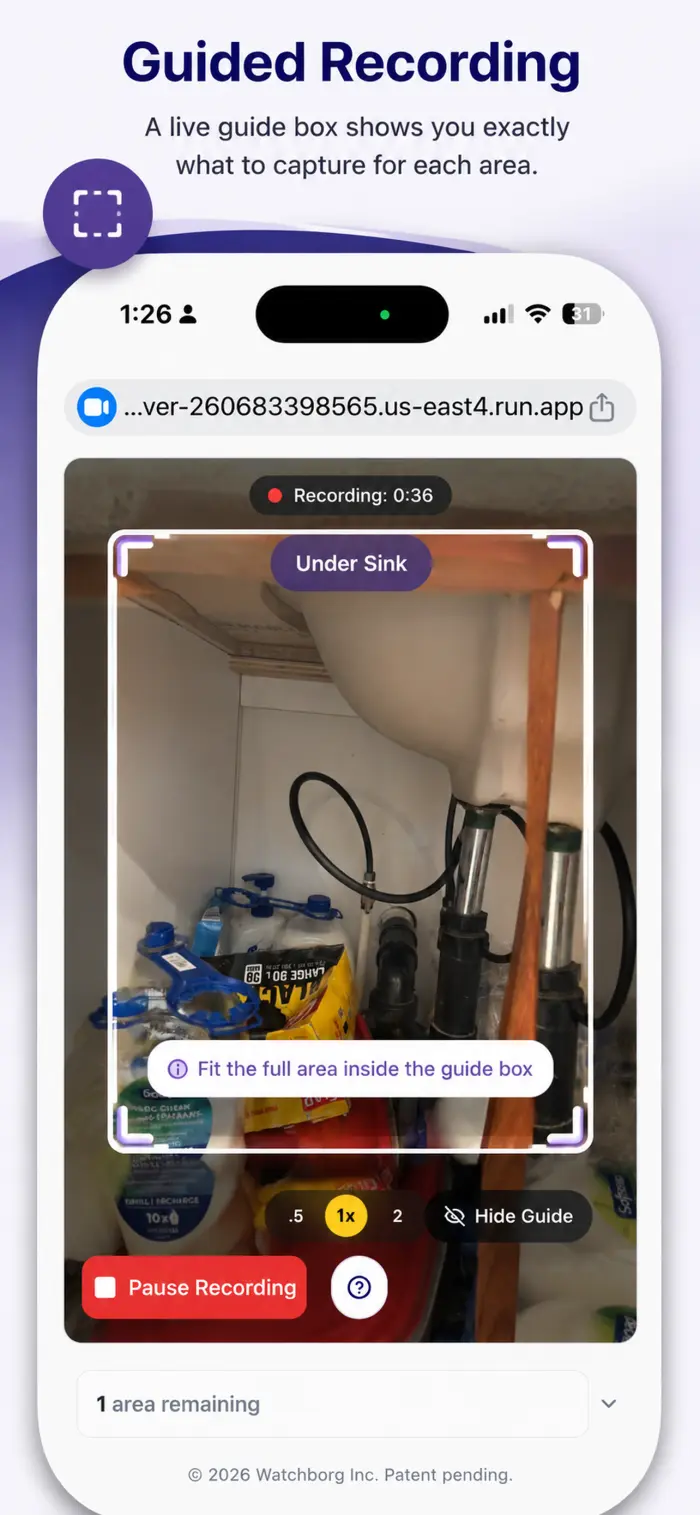
The inspecting user is guided throughout the recording.
5
Record Each Section
Follow on-screen prompts to capture video of each defined area of the property.
6
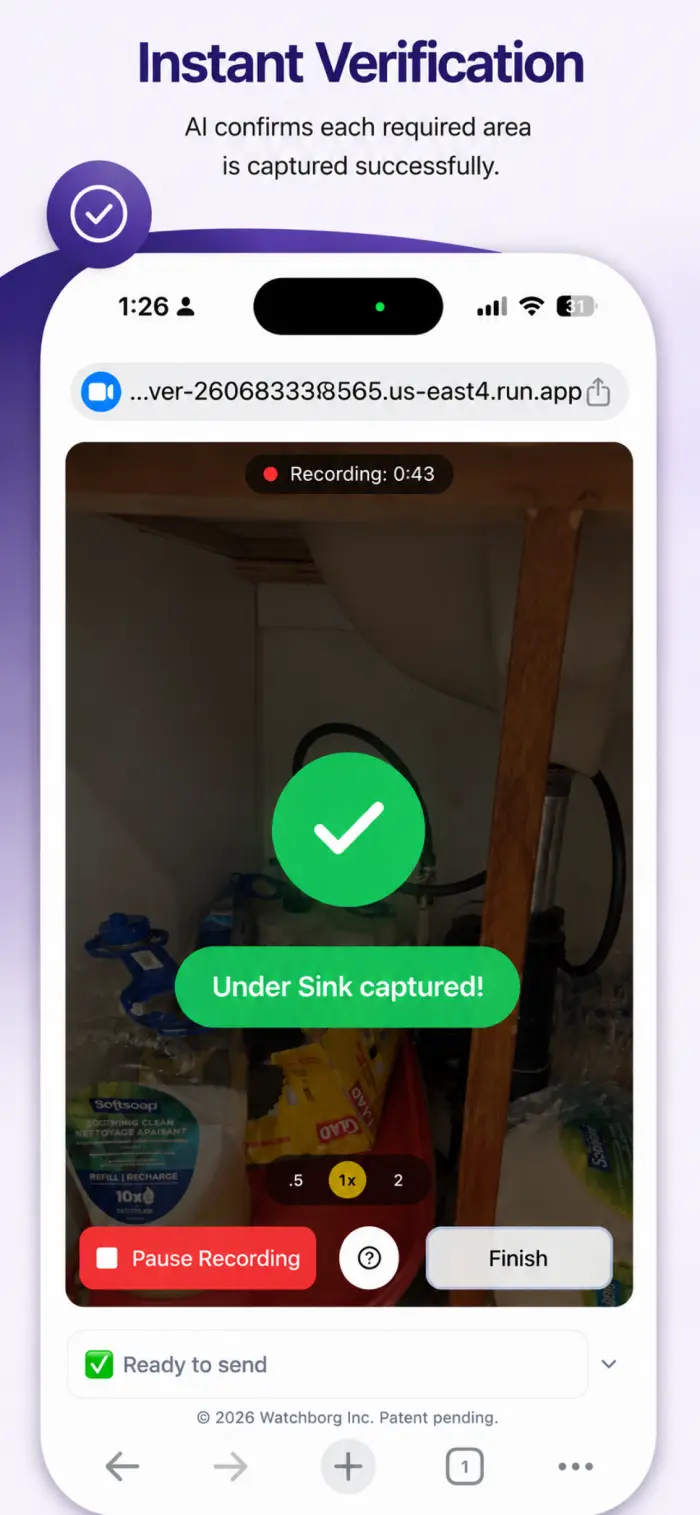
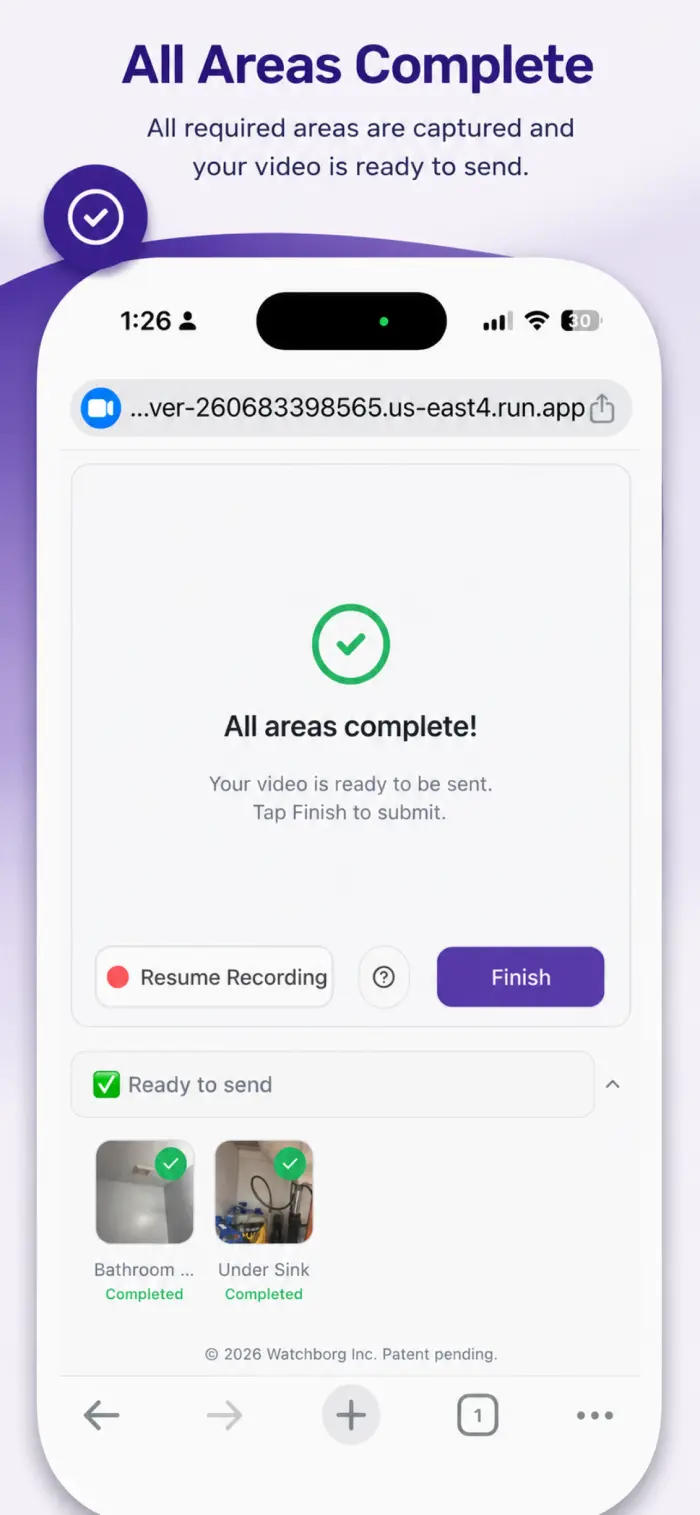
Smart required areas recognition
AI ensures every required area is recorded.
7
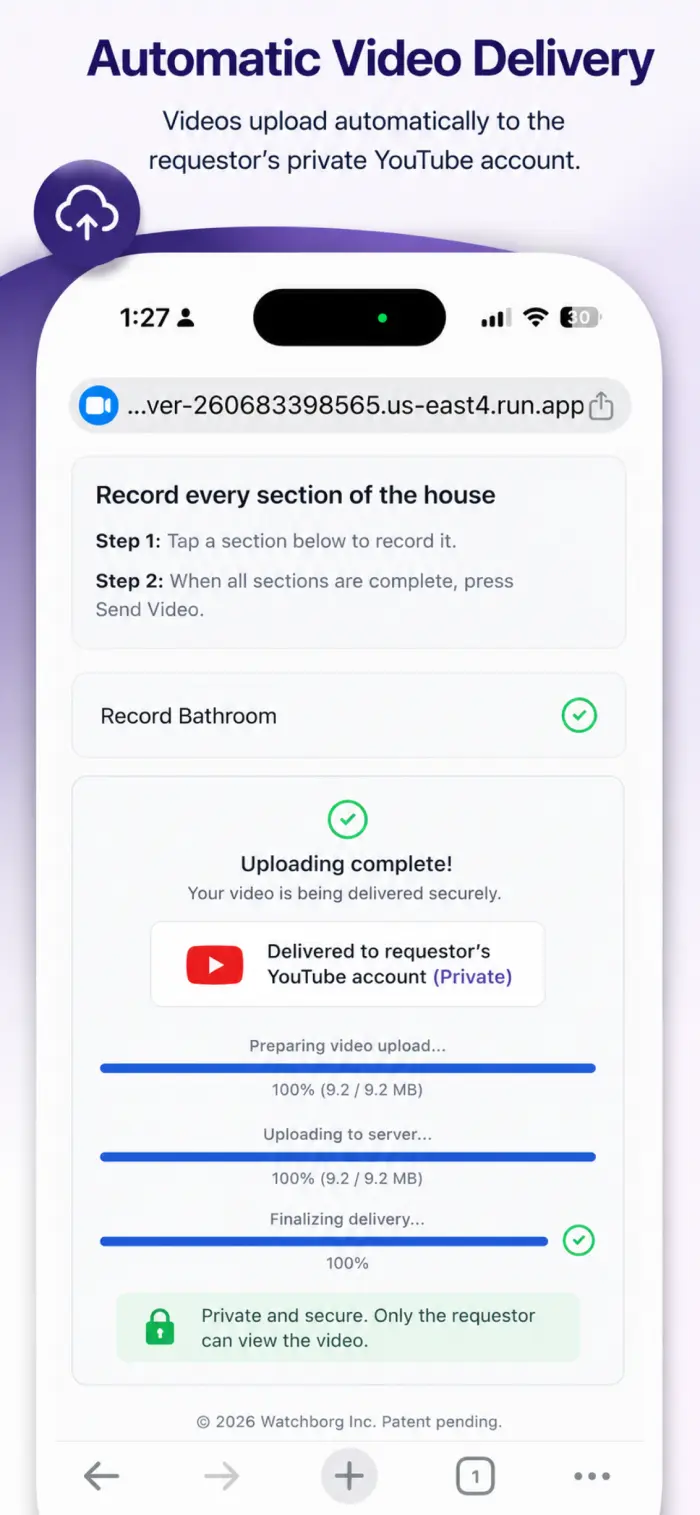
Inspection Processing
Watchborg processes and securely delivers your inspection recordings.
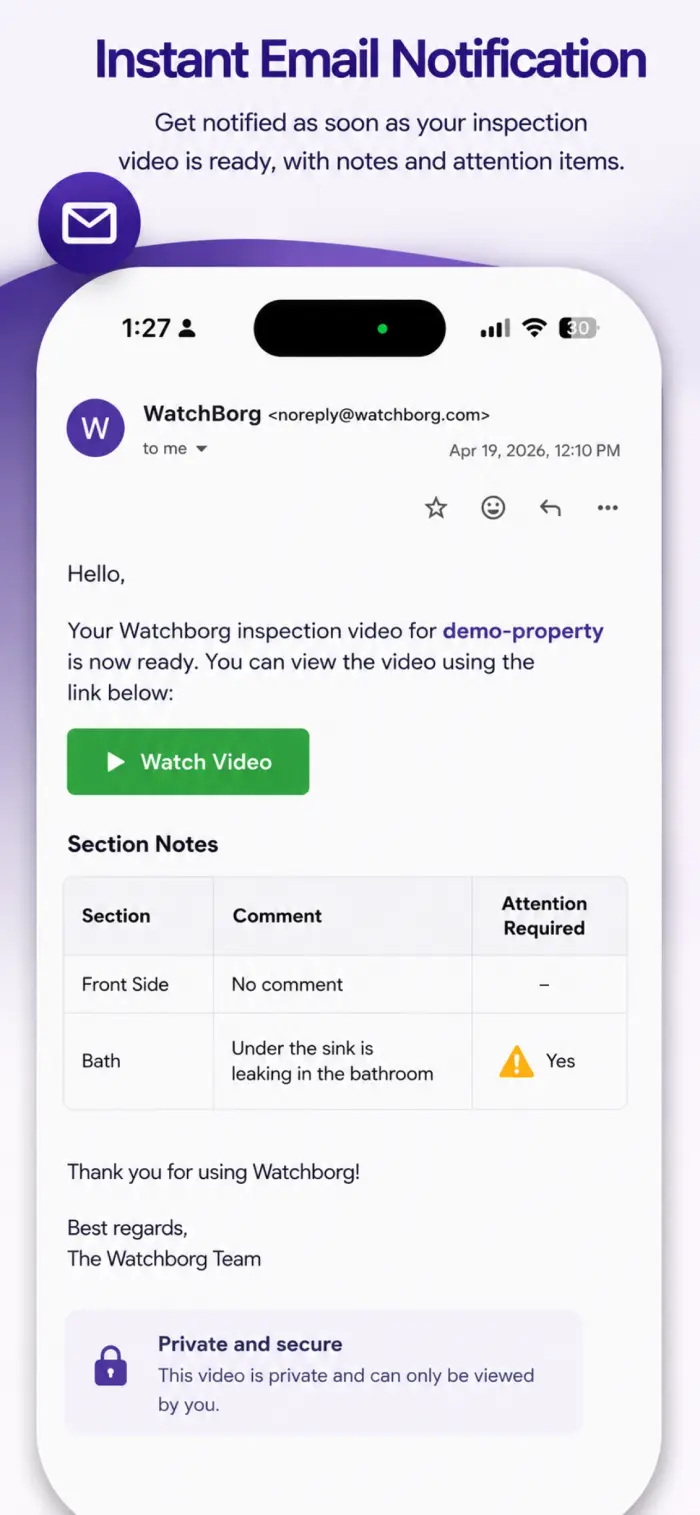
8
Receive Notification
Get notified when your inspection is complete and ready for review.
9
Access Your Records
View, download, or share your inspection recordings at any time.